 Wavebug
Know what your Wi-Fi is doing.
Wavebug sits in your Mac's menu bar and shows signal, speed and delay as they happen. When a call stutters, you can see why.
Wi-Fi or your provider?
Wavebug times the trip to your router and to the internet separately, so you know which one is slow.
Find the good spot
Watch signal strength change as you move the laptop or the router, and keep what works.
Evidence, not a hunch
Run a speed test whenever you like, or on a schedule. Every result is kept, ready for the next call to your provider.
A minute ago, or all year
Graphs cover anything from the last minute to all time. Point at any moment to read the exact value and when it happened.
The numbers behind a bad call
Delay, jitter and dropped packets are what make video freeze. Wavebug measures all three, then tells you in plain words whether your Wi-Fi or your provider is to blame.
Guests join with a glance
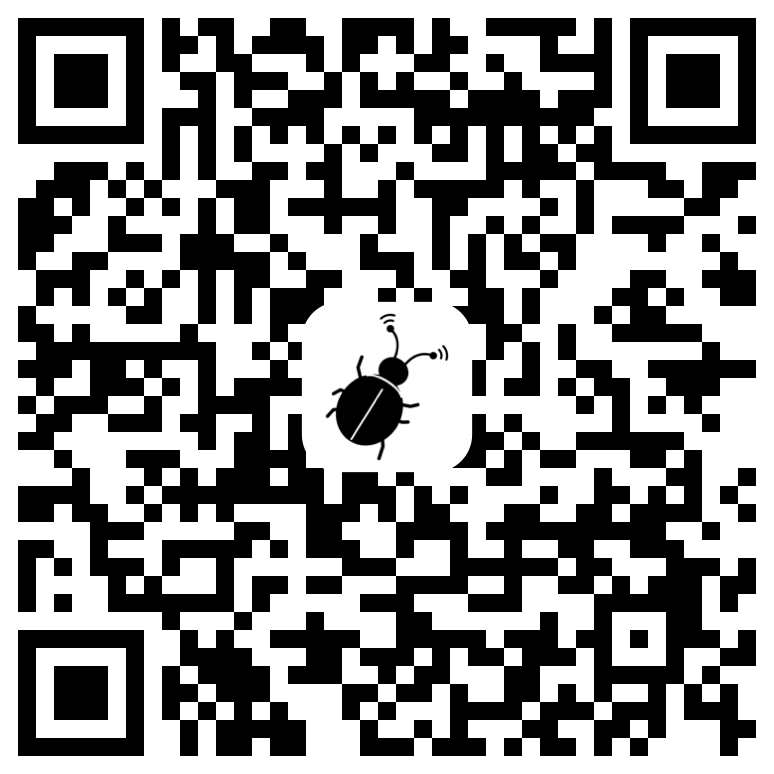
Show a QR code and a phone's camera does the rest. No reading the password off the back of the router.
ALSO IN THE BOX
Quiet alerts
A nudge when signal drops, delay climbs or the connection goes. Off until you want them.
Your menu bar, your call
Show speed, signal or ping beside the icon, or just the icon.
Four themes, seven fonts
Frosted (which follows your Mac's light or dark mode), Midnight, Light, or Black and Chrome.
Snapshots worth sharing
Copy a tidy card of your connection or a speed test. Addresses and your network's name are left out.
Light on your Mac
With the panel closed, Wavebug does almost nothing.
Private by default
No account and no tracking. Your history stays on your Mac.